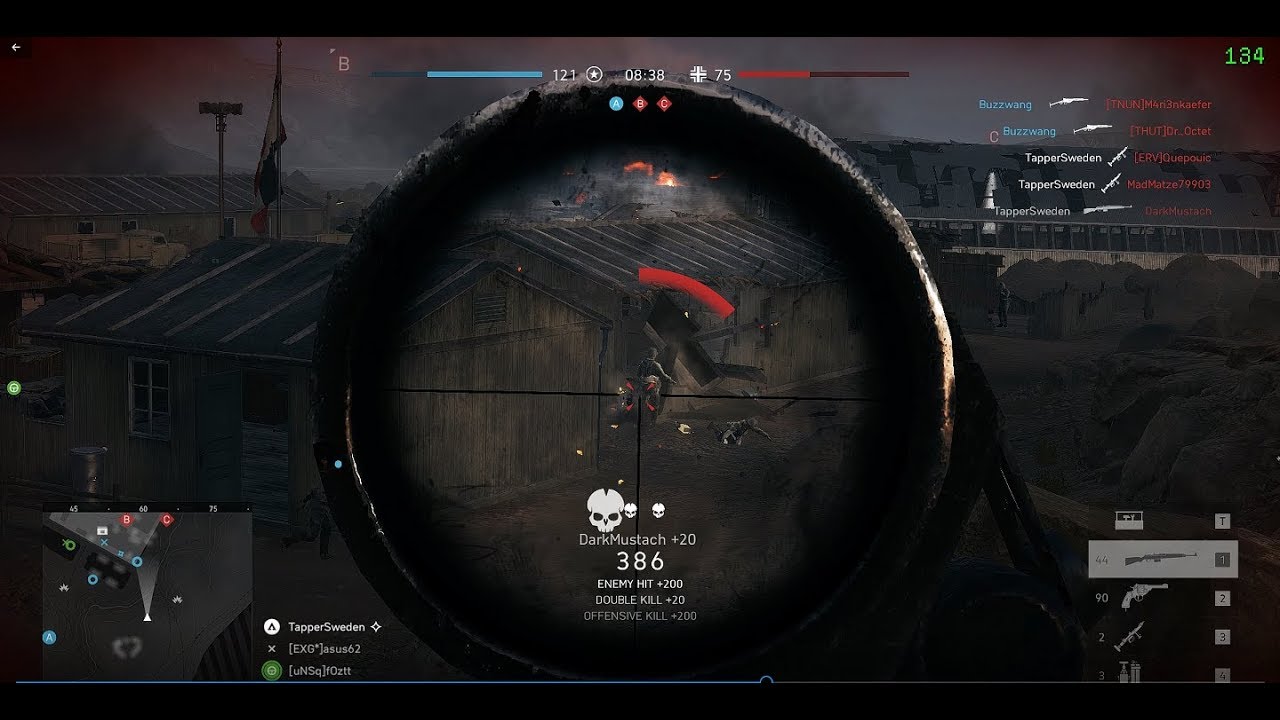
hey, i use “perfoverlay.drawfps 1” ingame to see my FPS, so, yes, im actually watching fps.
(but for me its just to get a raw overwiev, there are always up and downs in fps, depending on many things)
as said, i just turned on 1440p ONCE on ultra pre-patch, it was around 70-90, now after patch ist about 80-100.
(but i also use latest NVIDIA driver, so its difficult to tell what is responsible)
my performance has definately increased, and now im playing on 1440p.
ofc its also map dependend, some maps have more impct on FPS than others
i can only say my assumption, i think the FPS change is becasue there as something changed about the mesh, since LOW-setting players exploited the absence of mesh.
i for myself dont care at all how much mesh there is on the maps, as long there is no exploit.
so if you ask me, there can be another patch that sets the MESH for ALL settings to LOW-density.
i even didnt know about that tbh.
I’m also getting a huge drop in fps since the patch. Reinstalled bf, tried reinstalling the current drivers and then tried installing older drivers and nothing changed.
Lowered graphics settings to the lowest possible and even lowered resolution and saw no change.
Hardware is all working fine and other games run smooth.
yes exactly THIS, my 2080 ti is not trying to reach 144fps anymore since the patch sitting at around 70% usage while my cpu ([email protected]) is chilling at 40% usage usually now… pre patch was 99% gpu usage reaching those juicy 144 fps most of the time (ultra settings)…now im stuck at 110 fps. QQ
I have no clue what could be going on with your guys performance loss I have never had FPS issues just some stutter here and there. I have a 2080ti and just got done playing 6 matches and gpu usage is between 85% and 98%. I am using dx12 no ffr and the newest Nvidia driver. Honestly my FPS increased a little with his patch and the new Nvidia driver. There’s got to be something in the settings or Nvidia control panel causing this.
Under 3d setting texture filtering set that to high performance and under adjust image settings set it to use my preferences and slide the slider over to performance and click save.
Try this may work may not but it’s definitely worth some points in benchmarks this is how I run the game
Many people report a stutter using DX12 for as long as I’ve had the game. This is why I’m running dx11, and frames much better during previous patch, no stuttering at all. ray-tracing @ 3440x1440 is not worth the performance hit, but that could change with DLSS.
My texture filtering is already at performance. We’re not setting up the game for the first time here. Game ran fine before patch. Game’s not running as well post patch. I appreciate the willingness to help and all, however, the help we’re looking for is a fix in the next update. There are enough posts in this thread, and multiple other threads to indicate the patch introduced a performance hit. And I can assure you, this isn’t a matter of nvcontrol panel settings. I’ve been around long enough for that to be the first thing I check.
Frankly i’d rather remove all the mesh as a method of “fair play” rather than decrease performance in a first person shooter.. not that I think it’s a good idea to go prone in foliage rather than find some hard cover.
But the thing is.. the patch notes state they only adjusted the mesh for LOW settings. Personally I think something else is off here.
That was just on the Arras map. I Went from 190-211 inside the hangar and from 170-200 outside ,to this on Aerodrome. The fps are also all over the place, same on twisted steal, i lost about 45 fps on al maps and the frames are going in waves. I always had mesh to medium. 1080Ti 3200Mhz ram @3333MHz, ryzen 1600x @3925MHz game and os on ssd. Ha no problems before the patch.
Thank you so much @ShltPlayer for sharing all that informations and especially providing and updating those detailed stats. That helped me out allot and also keept my hope up that this must be an issue that can be solved on my end.
I believe the main problem for me was: i got 3 montors connected to my pc (“Main”, “secondary” and “tv”. “Secondary” is same res as my tv (lower than “main”) so i cloned it to the “tv” instead of extending). This seems to have a huge impact on some games… for example this also solved a brand new issue that PUBG would capp at 60fps in fullscreen mode suddenly,a lso im back to 144fps in battlefield <3
I also reinstalled nvidia drivers, reset and redone my nvidia controll panel settings, this may have also had an impact but im pretty sure the monitor thing was the cullprint sicne the issue was not solved after this fiddeling around. Also nvidia geforce experience found it funny to turn on dxr making me think for a sec: omg now it got even worse >
Hope this may help some of you guys potentially having the same problem as me,
Cheers!
So, total foot in mouth here. Seems it was some kind of corruption in the driver install for 417.71. A clean install of the driver might be advised if upgrading from 417.35, if you notice performance changes, use DDU in safemode and reinstall the new driver package after rebooting.
So, to DICE, and all the players saying performance has remained the same or better, my sincerest apologies for being mistaken. I’ll forgive any pointing and laughing on this one.
Frankly it’d been long enough since I’d last wiped drives and had a fresh install of windows that I went ahead and reset my copy of windows 10 and formatted all my drives, so I did that tonight, but I’m fairly certain the “express install” from nvidia driver package 417.35 to 417.71 created some registry conflicts that only seemed to effect BFV on my machine. And I admitted in an earlier thread I had to reset custom fan curves. I had other reasons for the windows reset, besides being a part of my maintenance routine. Either way my reasoning for posting in this thread has been solved. Hope this helps the others that took a frame hit.
Nevermind - performance is good. Nvidia update may require clean install or DDU from guru3d to remove old package. But I’ve got every setting on ultra in dx11 and not dipping below 100fps @3440x1440. The patch on the same day as a nvidia driver release is where I went wrong.
Before patch 120-144 fps, after patch about 80 fps. Reset in game video settings and then put them back to what I had before the patch. Now back to 120-144 fps. Looks like patch changes video settings in game.
Yes, HBAO was off after patch. The rest was the same as I set it, but I imagine this is different for various setups.
Anyways,
DX12 ran very poor on my end before the patch, and yesterday I gave it a whirl, and to my amazement it ran the same as DX11 ffr on, but now ffr off. [email protected],5GHz+gtx1080+16GB+windows 10 1803+driver 416.94
The 417 drivers are not good for my setup for whatever reason. They install wrong by default and need the clean install box checked.
I also received a significant performance loss. I would say about 30 percent. I know my rig is old (i7-3770k and GTX980) But on 1080p BFV was running very smoothly. That’s gone after the patch. This has to addressed!
i’m having the same issues, and the only was i can fix it is to clean install the Nvidia drivers every single day. one clean install will late the whole day, but next day, back to running like .