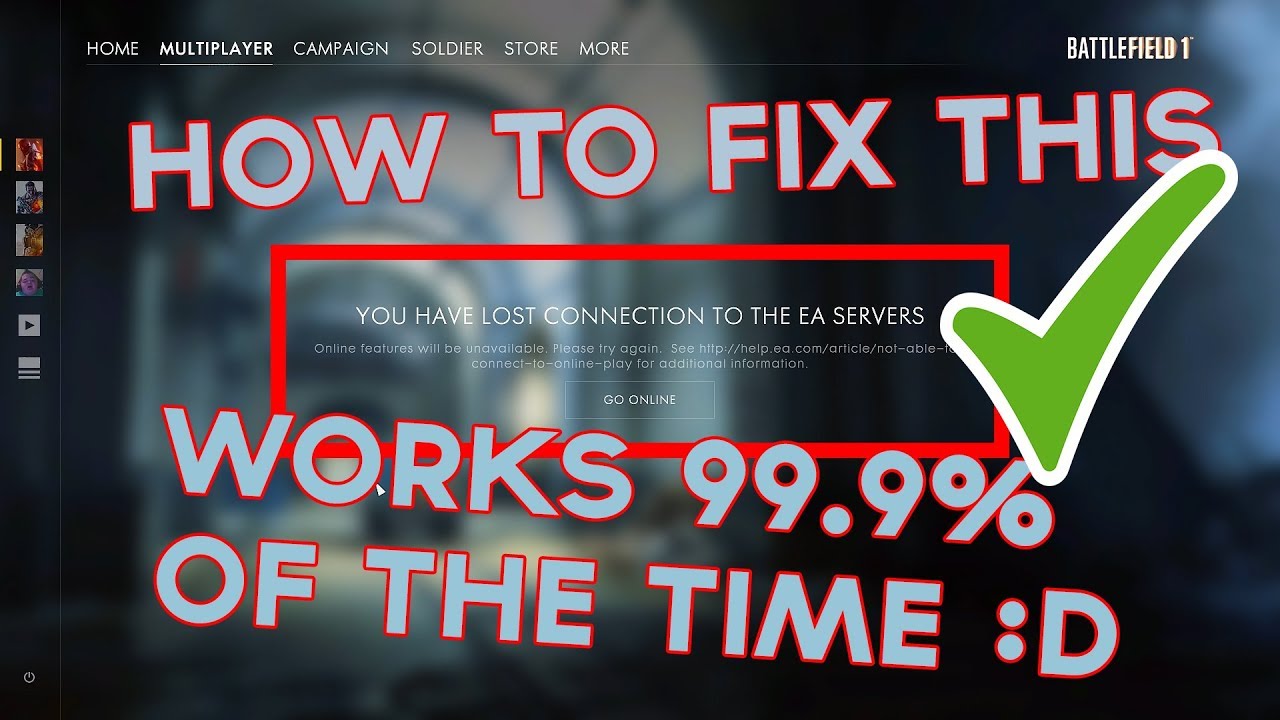
I think I have found the solution to 5-10 minutes server connection loss.
If you have installed killer network nic (and never installed killer network software by yourself) - follow instructions on killer network website to deinstall killer software and install new one from their site.
Somehow some computers come (or Microsoft installs it bt default) with preinstalled/installed by Microsoft update Killer NIC Service and updated by Windows Update. This particular piece of software is causing problems described.
I have to control alt delete and force close at every end of game and map switch. Game is just stuck in this transition. Very annoying…Anyone else with this problem know if this killer network is the culprit? I have no problems in game or joining a server.. only when the round finishes and the transition to a new round. Could use some guidance.. THANKS!
I can’t play for longer than around 10 seconds.
I’ve tried for hours to find a fix, i join game after game and get kicked just as i load into first person view, often i’ll walk for about 10 foot and get the disconnection. I don’t have killer network on my computer (cant find it anywhere) and repairing the game did not work.
HELP!!! i really want to play
Starts happening for me later at night after 2 hours or so of gameplay. But I still geet annoying lag spikes of 30 seconds as well as server kicks every hour or so after that.
Same problem, will someone please come up with a fix? Never had a problem with bf 4 or 1 or any other game. Strictly BF V related. Game will freeze for 5 seconds and then disconnect me from server.
I’ve cleaned all cache data of Orighin as described few pages above, also stoped Killer Network Service (win+r → services → look for Killer stuff and change it from auto to disabled). As I’m dual network also switched to second/intel network and managed to play three games in a raw without a disconnect for the first time after release.
I Have this problem as well. Found a fix that works but it involved disabling all your start up processes which is not a realistic fix IMO. For what it’s worth, I’ll post the video that shows you what to do. BTW, it’s for BF1 but it works for BF5. If anyone can figure out a way to make this work w/o disabling everything, please let me know. (EDIT: just read about disabling killer network services. I’ll try that and see if it works for me.)
happens a lot and my connection is still live. It is not that i have a bad connection. i’m connected with a cable not WIFI and if i check the loggings of the router all is fine. No packet loss or other stuff. Seems like bad coding. Some buffer that gets overrun or something.
Yeah, I started having this same issue today for no reason at all. I didn’t change anything on my PC, and I can’t finish a damn round anymore for the past 6 rounds I get random disconnects with my ping ranging from 22 to 70. This is unacceptable DICE. Why in the hell would I pay 60 bucks for this ¯_(ツ)/¯?! This is legit pissing me off now. FIX YOUR ¯_(ツ)/¯!
UPDATE: This actually worked. Open task manager and KILL Killer Network Service. That is whats causing it. Still BS that we have to go through this and figure this BS ourselves.