I appreciate the suggestion. The server IP will be discoverable either way. This solution alone, is not enough. I really wish it was!
I have tried it and it is not working for me. I even reinstalled windows and the game and everything again and did not help at all. This is a joke I will never buy any game from EA if they will not fix this soon
You may be right, But this is not the case for Chinese DDoS attackers.
Because he does not need to join a server, he can know the IP information of all servers, And launch a multiple server DDoS attack.
But if you can hide the join server button, or only accept the game launch and join the server, You can help server providers have a little more time to deal with.
Because this means that he must join the server to get IP information, Even if a DDoS attack occurs, Even if a DDoS attack occurs, we only need to change the port. He will not attack so easily.
As I mentioned in other posts, That guy has announced his criminal tactics in a Chinese forum, You must understand that i3D.NET and Chinese server owners cannot file legal assistance requests with Chinese police.
Currently there are only 37 servers in Asia, If we can’t solve this problem as soon as possible, We will have no future.
Actually, Asia is now the time: AM 10:13, from AM 7:00 to until now not a single server is completely full, This represents the loss of many euros.
I hope you can ask Mr. Jeroen of i3D.NET to understand how serious the problem is now, Because they are also waiting for your reply.
I hope you can help, thank you!
Is Ea trying to kill off B4? Can’t join any servers… I guess this is one way to make us buy a new game.
If you are from Asia, this is what the damn Chinese do to Asia, This guy is not allowed Asia players to play games in the morning.
In the past month, you can see a significant decrease in the number of players in Asia, As long as Battlelog is still able to view the source code and query the server’s IP information, DDoS attacks in Asia will not stop.
therealroksteady said:
Trying it out… try the new default filters and let me know how it feels? :).
Updates 2019-11-08:
- BFH: Server browser: Default filters updated; no slot filtering. Should more rarely show “No servers found” for those with default filters.
- BF4: Server browser: Default filters updated; Now includes full servers and servers with 10+ slots. Will show a more truthful picture of how active BF4 actually is and will no longer hide the most popular servers.
- All games: Server browser default page size changed from 30 to 60. Will more correctly include the matching servers in server browser results.
The plugin stopped functioning today. Years of it working fine. I still see the BBlog Icon to the right of my search bar, but it is no longer in color. It’s grayed out. If I load battlelog.battlefield.com it is functioning. If i Log In however, it stops working, Not having radar and the false player counts is killing me.
same for me no Battle map
its like 1/2 the game missing
Same problem. Its not working.
Anyone already know what is causing the problem?
I know)
Now battlelog.battlefield.com works by default on https (previously on http). The “Better Battlelog” extension for chrome has permissions only for http;
manifest.json:
“permissions”: [
“http://battlelog.battlefield.com/",
"http://battlelog.medalofhonor.com/”,
“http://getbblog.com/*”
Firefox version has permissions to work on https and for this extension continues to work on this browser.
“permissions”: [
“: //battlelog.battlefield.com/”,
“: //battlelog.medalofhonor.com/”
Solution (simple *): use Firefox,
And wait until one of the BBLog developers corrects the code (if anyone has the opportunity to inform them of the problem, please inform))
To run BBlog on chrome:
IMPORTANT! before starting, save the BBlog settings > copy the leveldb folder (path C:\Users\your username\AppData\Local\Google\Chrome\User Data\Default\Local Storage).
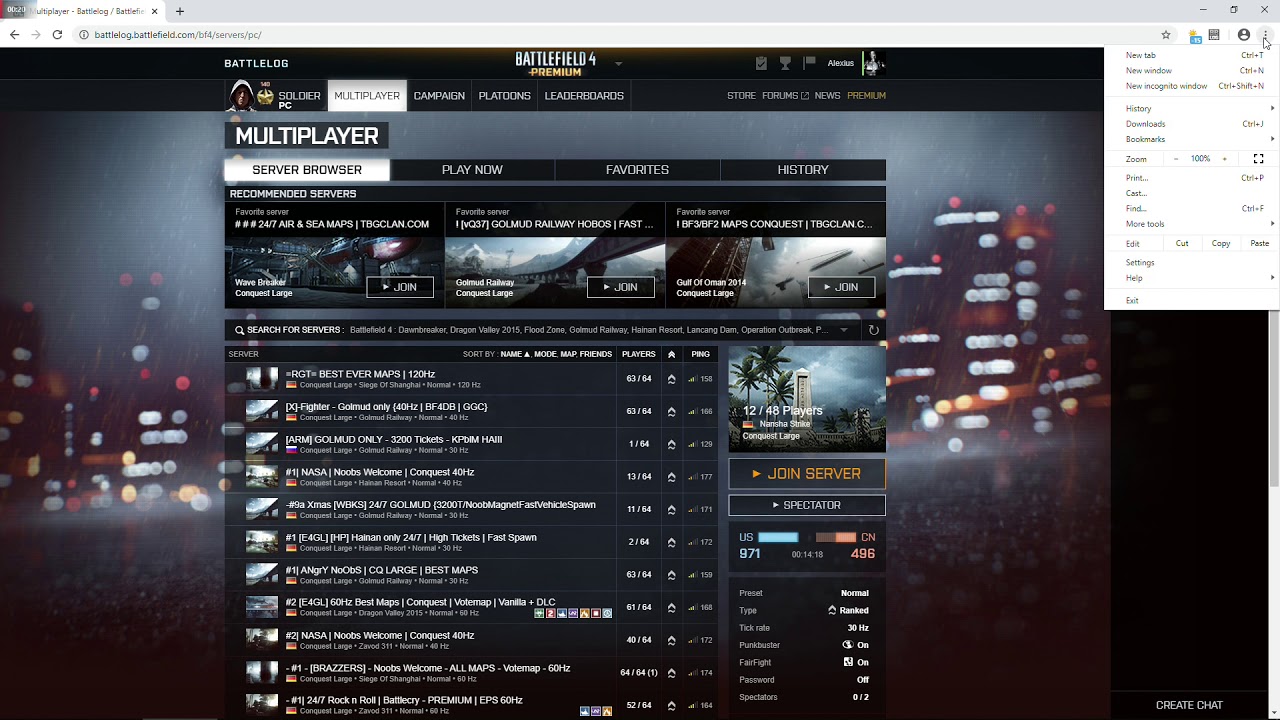
*Path to BBlog extension > C:\Users\your username\AppData\Local\Google\Chrome\User Data\Default\Extensions\kjlfnjepjdmlppapoikepbaabbghofma\
Each time the browser starts, a notification will appear:
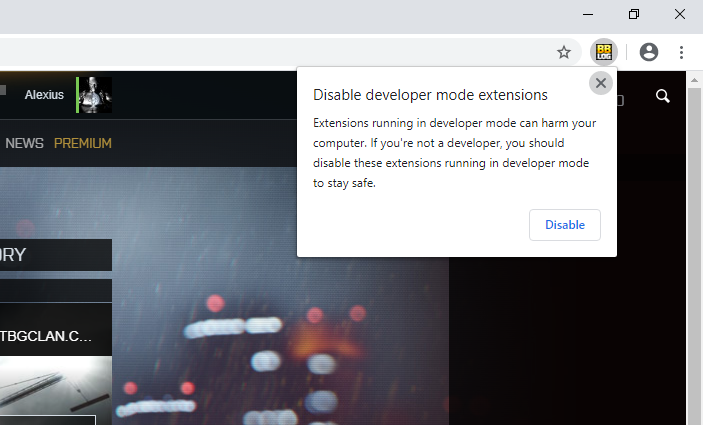
Just click on X.
this ^^
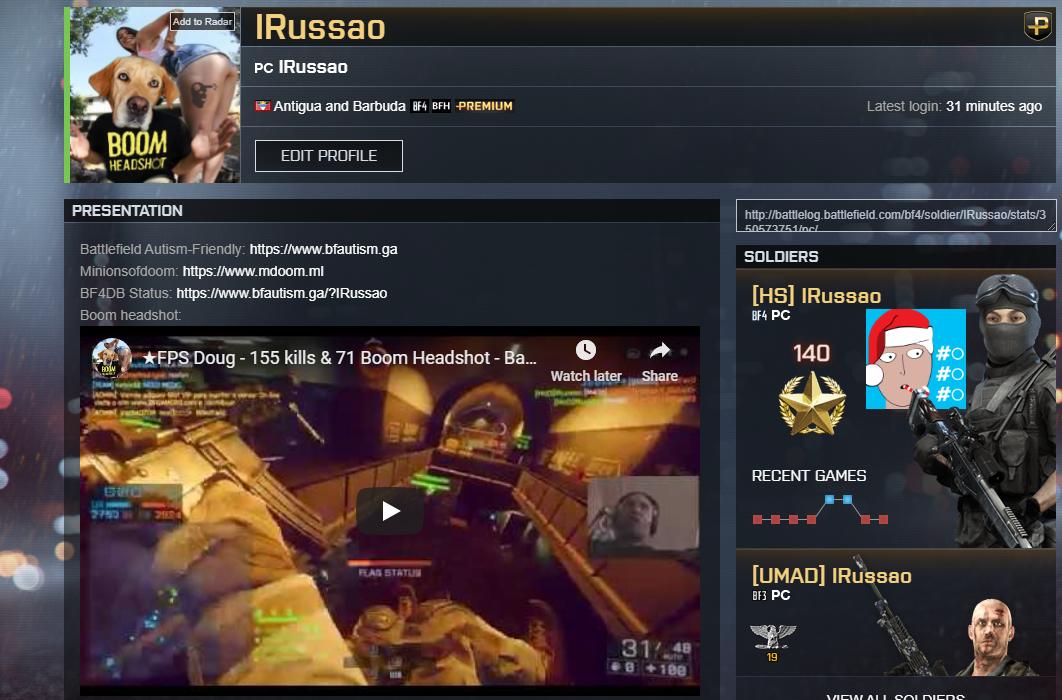
and before loading the updated extension, you can also fix youtube links, go to shared folder and edit bblog.js go to line 1844 and look for iframe data-src="http://www.youtube.com/, change http to https: iframe data-src="https://www.youtube.com/ and now you can see youtube links, like this:
How to fix battlescreen?
Deleted
Hi, I fixed the betterbattlelog extension, chrome is working again and I also fixed youtube links, downloads:
Firefox: [suspicious link removed]
Load the above file using Firefox and install it or download it to some folder and then go to extension, click the small gear icon, then install addon from file(this one was signed and submitted to firefox)
Chrome: [suspicious link removed]
Extract the files, then go into the Chrome extensions manager, turn on developer mode, then click to load unpacked and select the folder, if you already have better battlelog plugin, then it will update the current one.
Link to section: For firefox, before installing the fixed version, remove the old extension, also if u have any plugin added via “betterbattlelog menu > plugins”, then you will need to add the plugin link again.For firefox, before installing the fixed version, remove the old extension, also if u have any plugin added via “betterbattlelog menu > plugins”, then you will need to add the plugin link again.
edit: what is the point to remove the links and leave my post, i dont even…
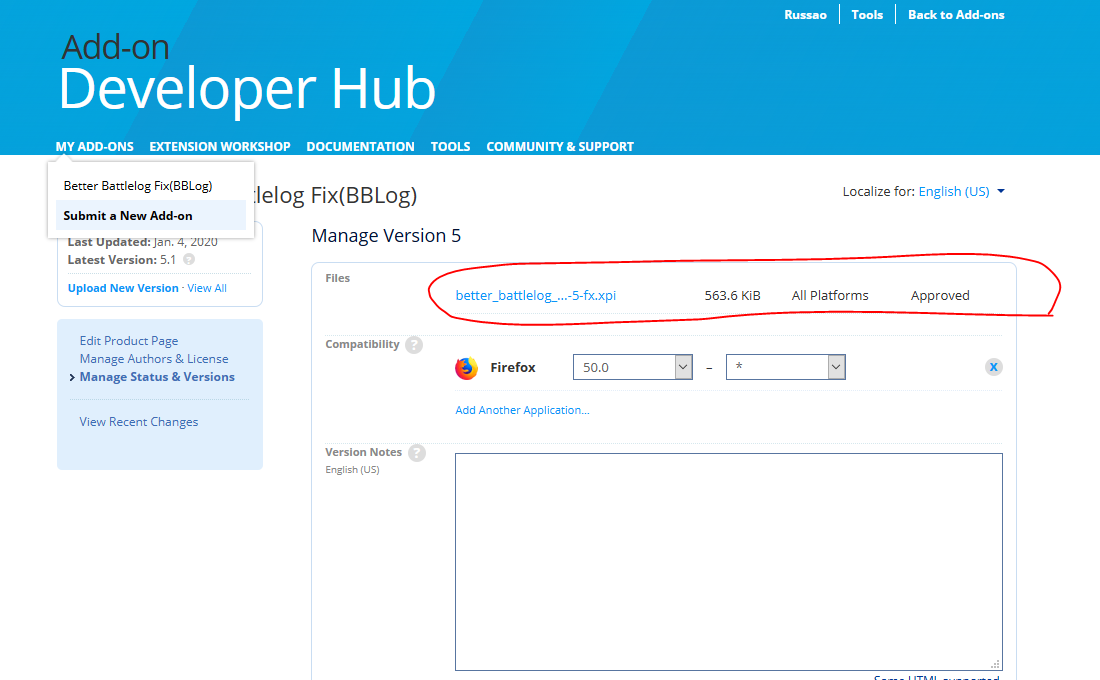
How it can be suspicious, if its the same kind of links from the 1st post, its even less suspicious since the firefox extension was approved for distribution, I didn’t set it to be download through firefox extension because the bbl extension is not mine, I only did some fix, the xpi is also zip file "renamed"to xpi, anyone can extract it.
The direct link to firefox is https://addons.mozilla.org/firefox/downloads/file/3479209/better_battlelog_fixbblog-5.1-fx.xpi?src=devhub but won’t be able to download it, that is why I had to download and upload to another source.
The ZIP file is for Chorme and it’s just a zip, anyone can extract it and see the files, if you think its suspicious, you could at least scan the link on any online antivirus site, its not a freaking .exe or anything like that.
@Il-Scavenger-lI can you please fix this or allow me to post the links again? the mod that edited my post think that these files are “suspicious”.
Someone fixed the BBlog extension and posted it in the Chrome Web Store - https://chrome.google.com/webstore/detail/better-battlelog-bblog/gomjpbhdljhdcidfclbkgihnpfeofafj
Thanks .. now works!
I fixed the Firefox BBlog extension, if anyone use it, you can update it here: Client Challenge
Chrome: https://chrome.google.com/webstore/detail/better-battlelog-fixbblog/ncopbeadajoekpedjllcakdmbmgnfgph?hl=en
Video:
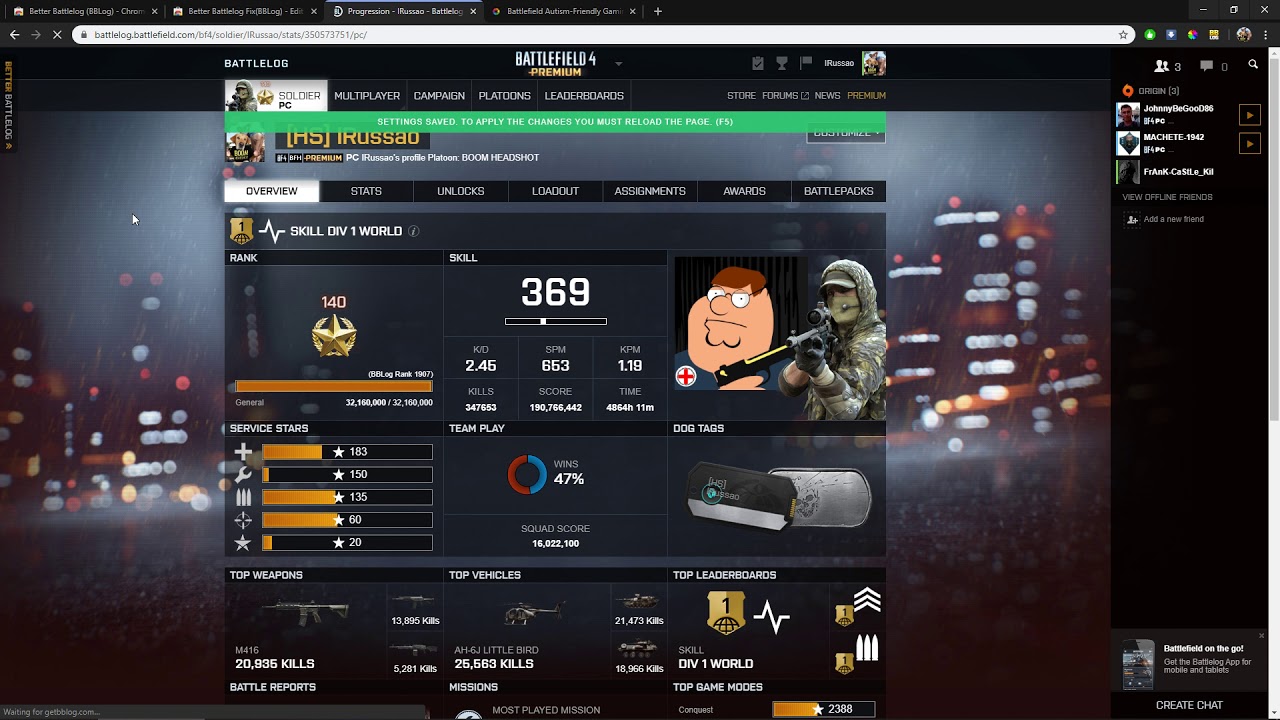
I also did the same thing for chrome, but some random user upload some new version while I was working on it, but this user only did one line edit that fix just one problem and so far, I can not publish the chrome version as good as the firefox, only via unpacked extension(not from the official store)
here are3 plugins I use in this video: https://www.bfautism.ga/index.php?page=bbl
@Il-Scavenger-lI I think you should update your 1st post, because the True player count is pointing to a site that will be dead in 2 months: rawgit.com
I use: https://codepen.io/russao/pen/rNaZgRZ if you add .js then you can see the source: https://codepen.io/russao/pen/rNaZgRZ.js
Edit: by updated the extension, I mean, you have to remove the old extension and download the new one.