Eventhough the first day post patch stutter is gone, whenever I aimdown sights or in 1v1 shootout I get micro freezes, making it impossible to properly aim and shoot.
Not sure if it is my PC or the game at this point, because prior to a couple of months I was playing rather smoothly.
Did the patch change something ?
Just noticed that if I have raw input on it jitters like a when I move. Also I think I lost 20fps after the last patch…
Dont have micro, but have every round 1 big SCREEN FREEZE 1 -3 sec
yea is t a complete stutter fest! what systems do you run at?
Rtx2080 8gb
9700k 5ghz
32gb 3200mhz
Samsung evo 970 512gb
Asus z390 prime A
no stutters here
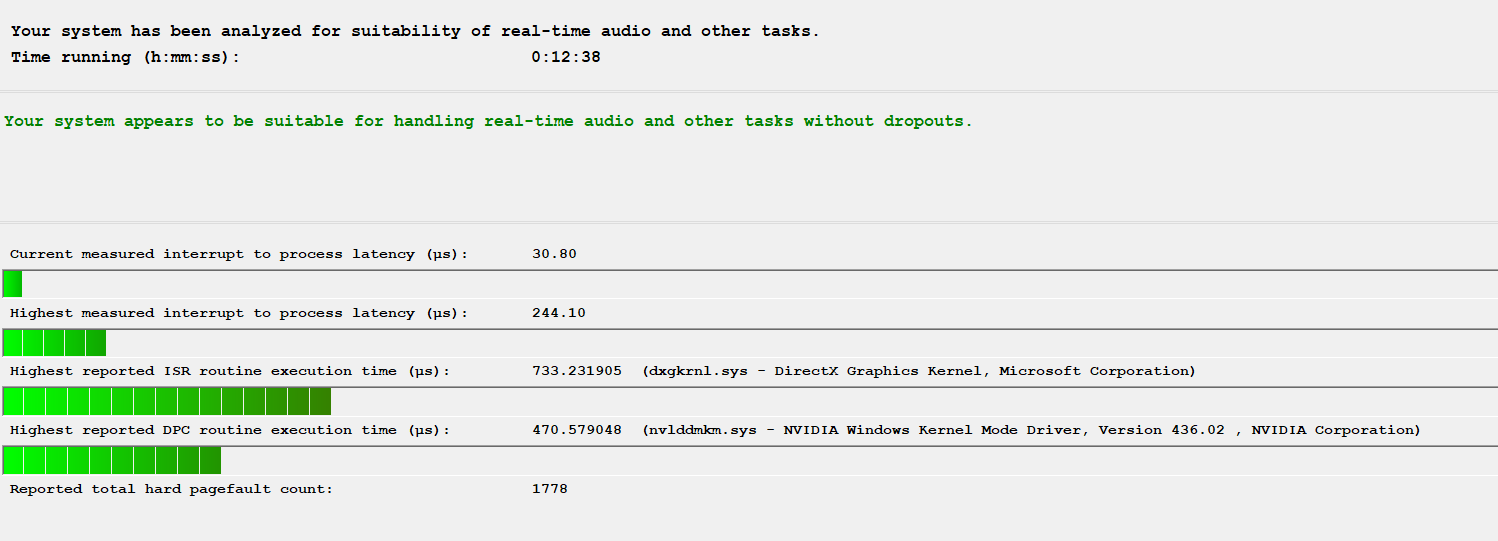
Have you tried to use Latency Mon?
https://www.resplendence.com/latencymon
Install it and let it run for 3 minutes straight. Post a screen shot of your results.
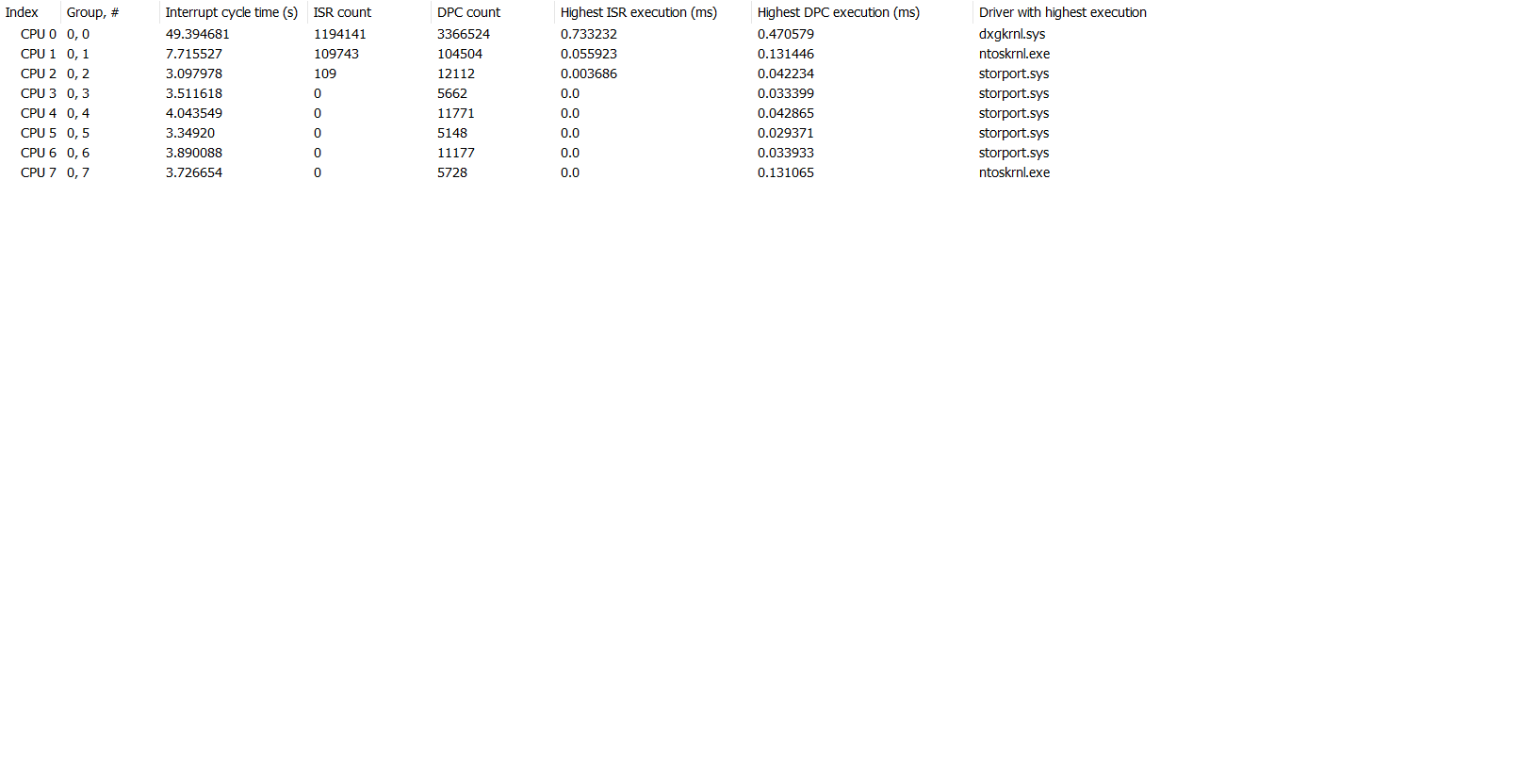
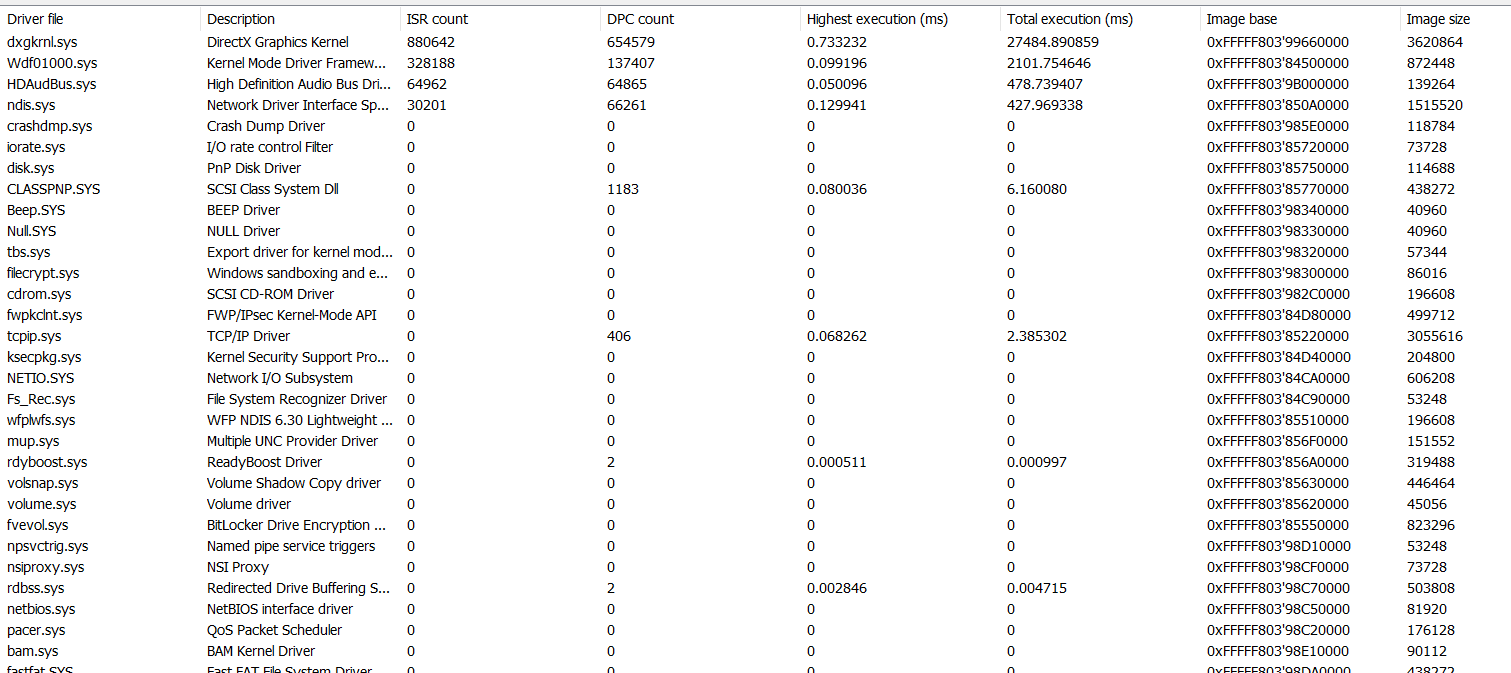
I’ve found that latency mon can catch and help fix stutter issues. If there is high dpc issue LM will catch and tell you which driver(s) are causing the problem.
I recognize the microstutters, its really weird, as only this patch introduced them on the pacific maps.
try in the game turning on gpu restricted memory and restart the game, give that a try
I am also getting micro stutters, especially when it’s crowded. Did you find a solution man? It’s really unplayable for me atm
go and get and set up stand by memory cleaner from the makers of ddu . been using it since windows 10 1607 and made a huge difference make sure its set up right
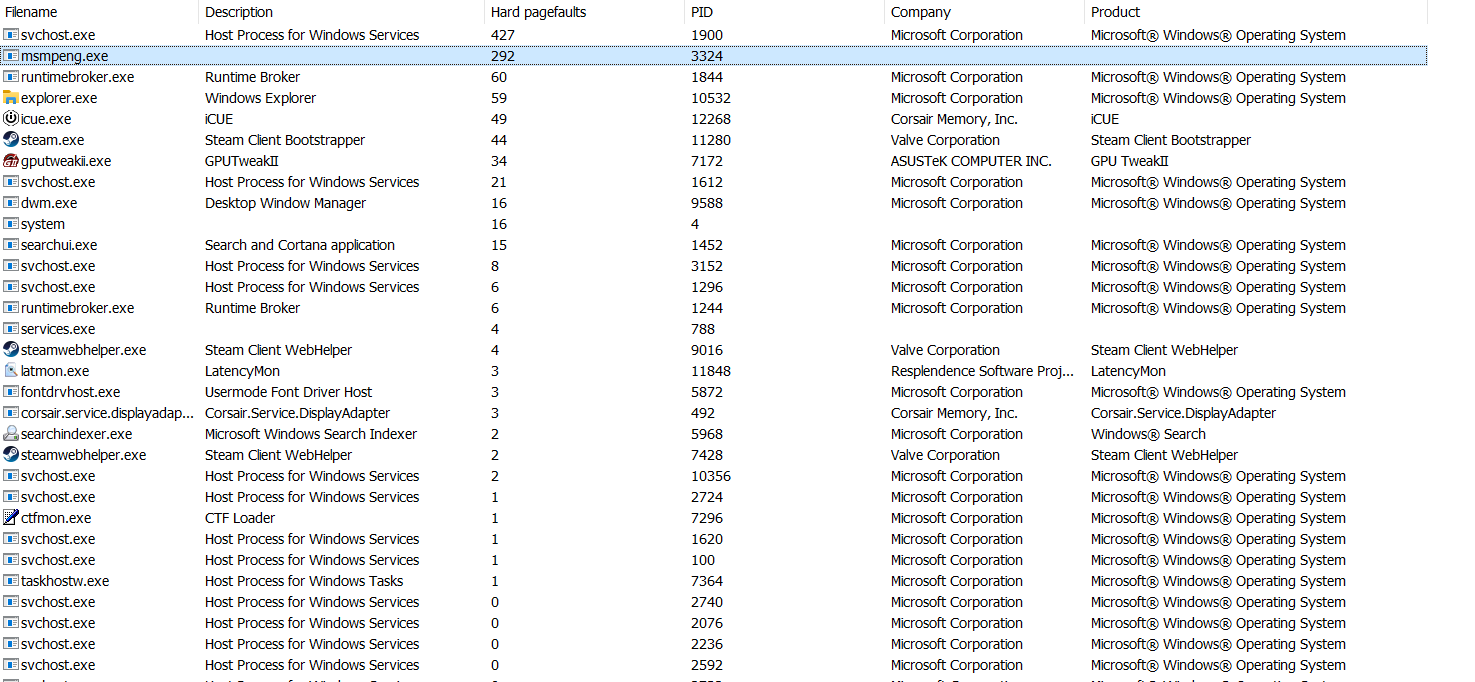
My latency mon results while playing warframe. I also noticed more drops with it as well.
I’m starting to think this might be one of the latest windows updates(last week or before that).
I have posted this for so long, this issue is the windows update xxx389, I also produced how to setup your systems to stop micky soft from reinstalling. This is why I get 180 to 200fps no stuttering at all, I tested this out with a 3770k, installed a fresh install with all updates, bf5 was unplayable. Then I formatted reinstalled with no network, pause windows update. Installed windows update from update catolog bypassing 386, on a 3770 960gtx 60 to 70 fps no stuttering
I know for a fact what the issues are
I 7 7700k,
samsung m.2 drives
128 gb g-skill 3600
1080gtx gamers edition sli
Second issue is onboard sound, also produced info how to fix that.
Important info to know,
if we uninstall that update there will be permission problems because that winblows update overwrites the trusted installer plateform and there is no way to fix that problem without reinstall of windows, you can not use reset because reset will always keep the newest system files
https://www.catalog.update.microsoft.com/Search.aspx?q=2019-10+Cumulative+Update+for+Windows+10
This is windows update, you can read some post what the update is Microsoft Update Catalog
Sorry I didn’t understand what your suggestion really was. I checked the link there are a bunch of updates, none of them end with 386.
try in the game turning on gpu restricted memory and restart the game
my apology it suppose to be 389
So if I uninstall this update it is all good ?
There’s only limited anecdotal accounts that removing that update helps. So it’s something you have to try it out yourself, as long as you are aware that the update also provides several security updates to Windows Shell, Internet Explorer, Microsoft Edge, Windows App Platform and Frameworks, Windows Cryptography, Windows Authentication, Windows Storage and Filesystems, Windows Kernel, Microsoft Scripting Engine, and Windows Server. By removing the update you might leave your system vulnerable. I suppose you can always remove update, test and then reinstall the update.
MS has had several bad updates for Windows 10, but that update is old and they have probably fixed any issue in the update in a later update.
And you will get the update again automatically whenever Windows updates again. Trying to prevent Windows from installing updates can be a real pain and often involved running third-party programs etc.