This is a post describing the details I made on the Battlelog forums battlelog.battlefield.com/bf4/forum/threadview/2955065670206063583/
UPDATE
So I managed to join a single game with people in it and leveled up from 0 to lvl 1 so yeah idk why it worked that time but it did. The problem still isn’t solved but its making me think that if i was able to join a single game that there is hope for me yet
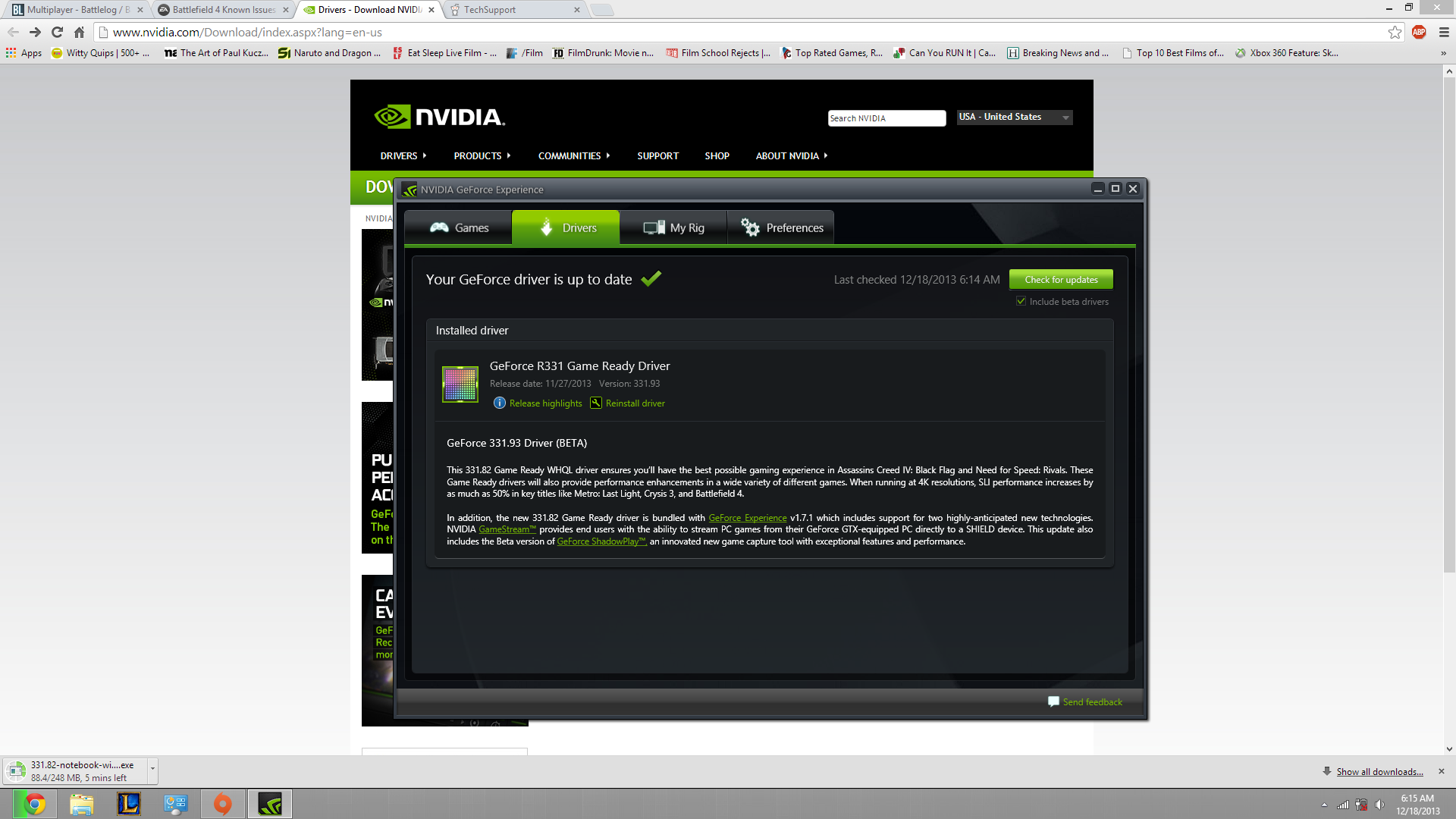
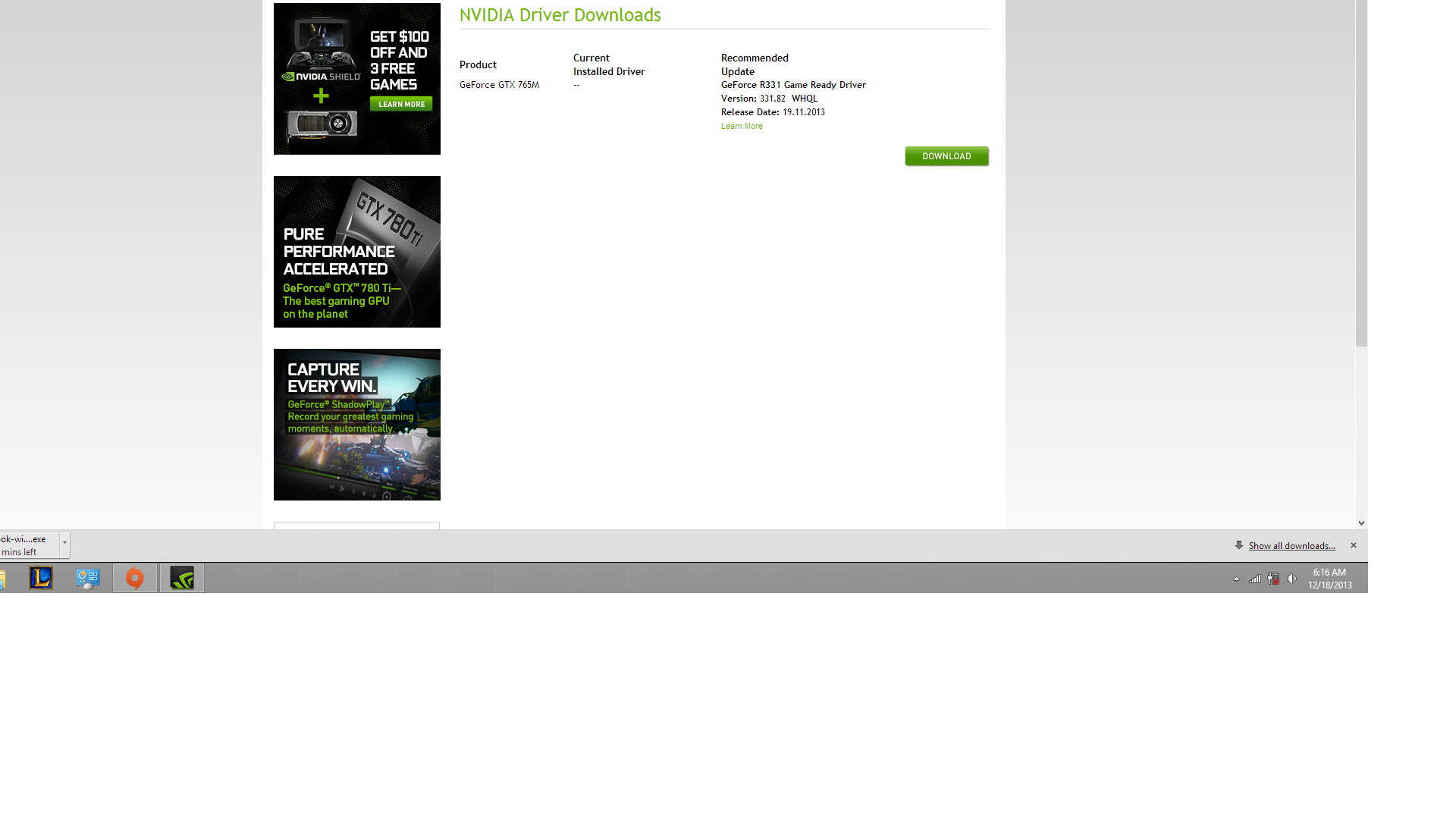
** UPDATE 12/18/13 So I thought my drivers were updated because I use a program called Geforce experience and as you can see here
I’m starting to sound like a broken record here, but try to do a repair install through origin. That fixed most of my problems including connectivity issues. Takes about 5 minutes.
Ok so I just did this and I have had success joining a game, but only empty servers because whenever I try to join anything populated it consistently fails on me.
Do you by chance have an AMD card? I had this same problem. After HOURS of searching I found out you have to UNINSTALL ALL MICROSOFT VISuAL C++ 2005 INSTALLS
Check your services to see if punkbustera is running or even exists in your services. If it doesn’t, run the punkbuster executable from the game’s directory to reinstall. If that doesn’t work, install the tool from the included link, and manually add the game to punkbuster and run the update. I had an issue with this after updating from Windows 8 to 8.1 http://www.evenbalance.com/?page=pbsetup.php