Ok, so my question is how do you create a high-quality video for youtube?
What I record at 1080p 30fps @ 20M datarate seems ok on my PC but once I upload it quality becomes trash.
Any suggestions?
Ok, so my question is how do you create a high-quality video for youtube?
What I record at 1080p 30fps @ 20M datarate seems ok on my PC but once I upload it quality becomes trash.
Any suggestions?
Long story short: upload in 1440p instead of 1080p, so Youtube will use a different (better) codec.
Here is a test video:
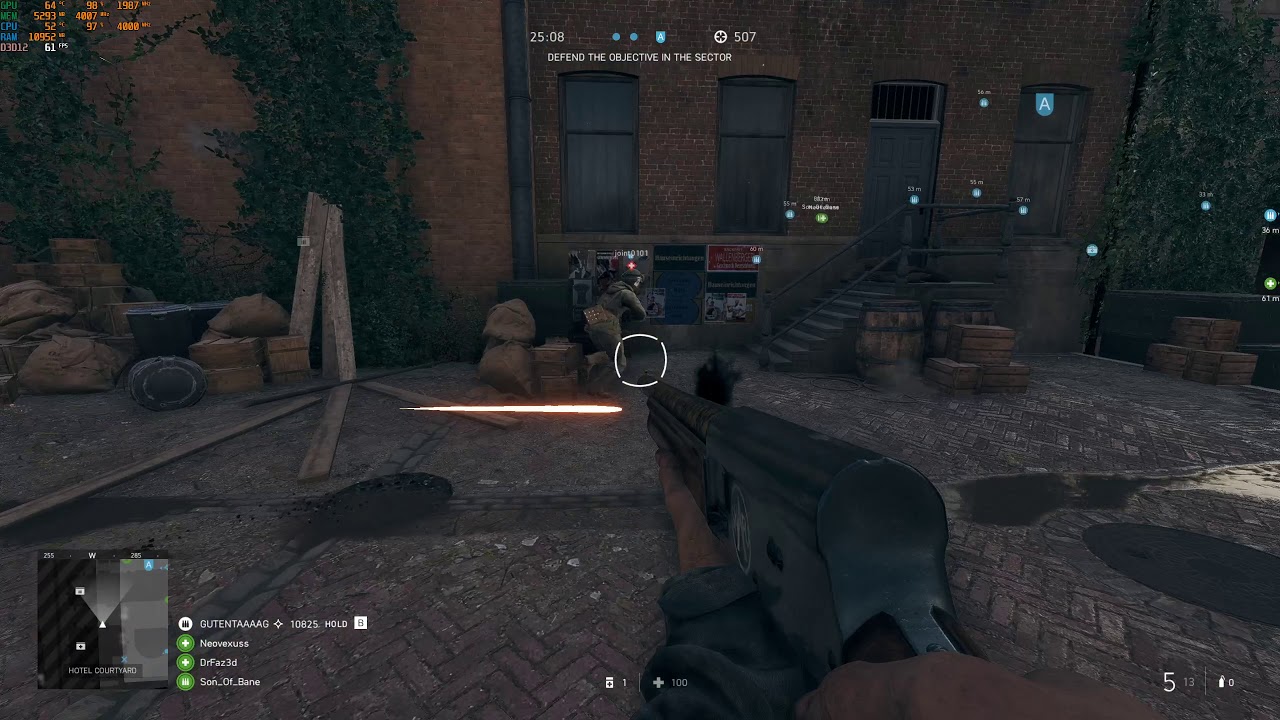
Even the big Youtubers upload really blurry videos when they play certain maps. Twisted Steel in particular tends to look absolute awful.
Moved from Battlefield V to Off-topic section as the topic is not related to Battlefield V.
Bury it deeper chief!
Supersample, record to a lossless format with a better bitrate; hopefully the supersample will somewhat counter Youtubes compression
I really doubt the majority of people watch >720p or use screens that can display the difference between 720 and 1080p
He isn’t burying anything.
When posting something in the BFV section, It generally needs to be about BFV.. Hence the game-specific sections of the forum..
e.g
The biggest difference in image quality comes from whether YouTube will encode your (properly recorded) content in avc1 or vp09. If you don’t force vp09, it doesn’t matter how good your original quality was.
Most people use 1080p and probably a lot more use 1440p vs 720p for gaming. And actually there is a big difference between 1080p and 1440p also…
This is a game specific question, I want to make HQ BFV video, not pokemon.
Nobody answered my original question (except myself) so was it a good idea to move the topic where noone reads it? No. More crap quality videos of BFV will come cus noone explained (except here) how to upload properly to YT.
Cheers.
Irrelevant I’m afraid.
This is not the YouTube discussion boards, regardless of whether you wanted to make the video on bfv, bf4, or any other battlefield ( or non battlefield ) game .
The topic is still about YouTube quality.. and I quote
:
So yes, you created a thread regarding YouTube and how to obtain better visuals in the published video
Plus there are lots of tutorials online for better YouTube quality, one such thing to take into consideration regarding YouTube video is you need to cater the video quality to the type of game you’re recording.
E.g for fast moving games like BF you need to record and encode the video with a higher bitrate, For more static types of video you can get away with a much lower bitrate as the need for b frames decreases.
You also need to consider YouTube compression when you upload video.
This is why many recommend uploading in 1440p over 1080p due to higher bitrates available to ensure higher resolution video isnt showing artifacting / blocky footage.
When I upload video I set the bitrate to a constant 50mbps in Sony Vegas, I also record at 50mbps in shadowplay to ensure maximum quality.
I do have more tips if Vegas is your preferred editor but I am out at the moment, But when i get home I’ll post a screenshot of my 1440p60 and 4k60 preset I made.
I record with these OBS settings:
1440p @ 30fps
Bitrate: VBR 30M max, 25M target
Format: MP4, Quality preset
Sound: ACC 48kHz 320kbps
But most importantly 1440p gets encoded with ‘jp09’ which is much better quality than ‘avc1’ used for 1080p videos.
You can check this by right clicking on any youtube video and selecting ‘stats for nerds’ and see what it says after ‘codecs’
I’m still looking to learn how to put clips together.
One more test video with avc1:
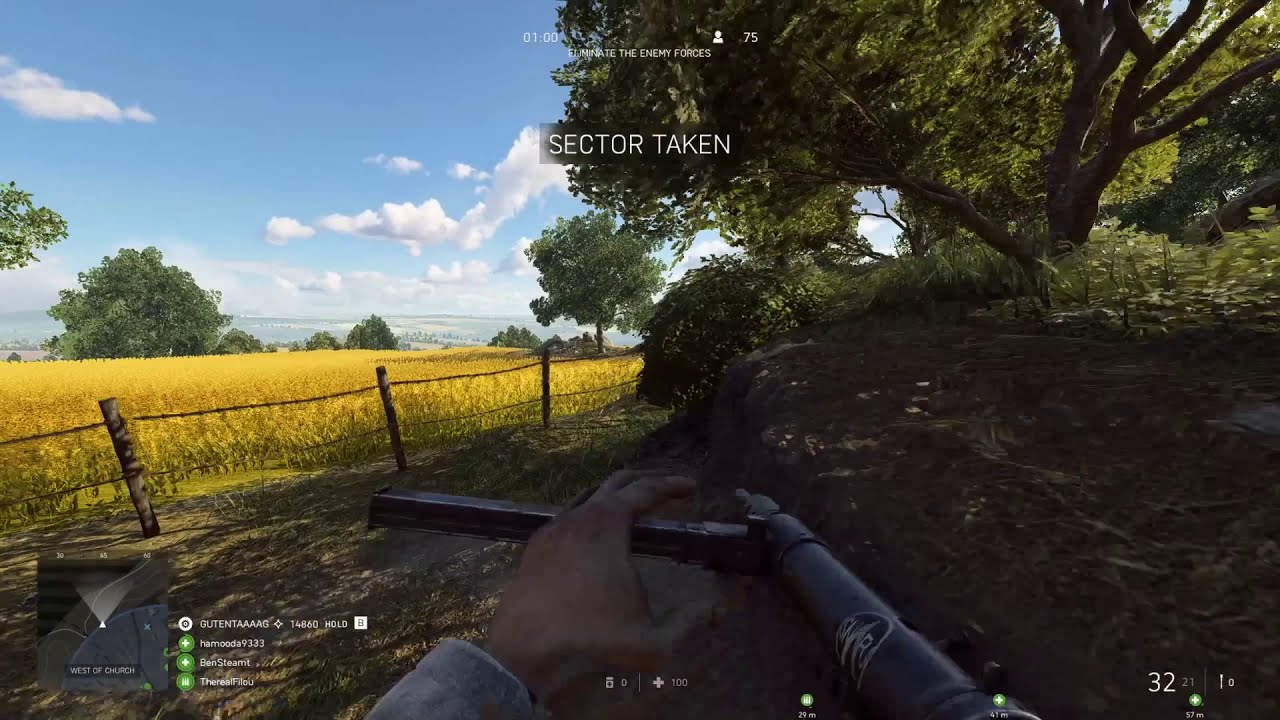
If you want a feature packed video editor that’s free, I recommend hitfilm express 
I’m getting more and more footage, I seriously need to learn how to edit videos. This program seems to be recommended by many, I will start watching some tutorials. I want to add music, comments to my videos and also combine multiple clips. If you know any good tutorials it would be welcome. Thanks!
Hitfilm youtube channel is packed with tutorials, starting from the ez stuff to the really uber good stuff like camera tracking, integrating cgi and 3d models into the video.
Definitely recommend checking them out.
Oh [man] I’m getting sick with so much detail.
I did a video on my own… I think I’m getting there:
Just a friendly reminder my man, Don’t swear or attempt to circumvent the filter or it’ll result in an infraction that can affect your ability to post.
Edited it out on this occasion.
You are worst than Vevo man!