The following is a COMPLETE TUTORIAL with links provided to help you get connected to TeamSpeak3. If your not using it your missing out on a much HIGHER QUALITY gaming experience overall! TeamSpeak3 is the LEAST CPU intrusive voice over software available! If your system is running Battlefield4 it will as well run the TeamSpeak3 application with NO PROBLEM! Follow the provided steps & you will be able to connect in less than 30 minuets!
( 1 ) ( Video ) 3:31 - Definition & brief introduction -

( 2 ) (Video ) 12:29 - Windows Installation and Setup -
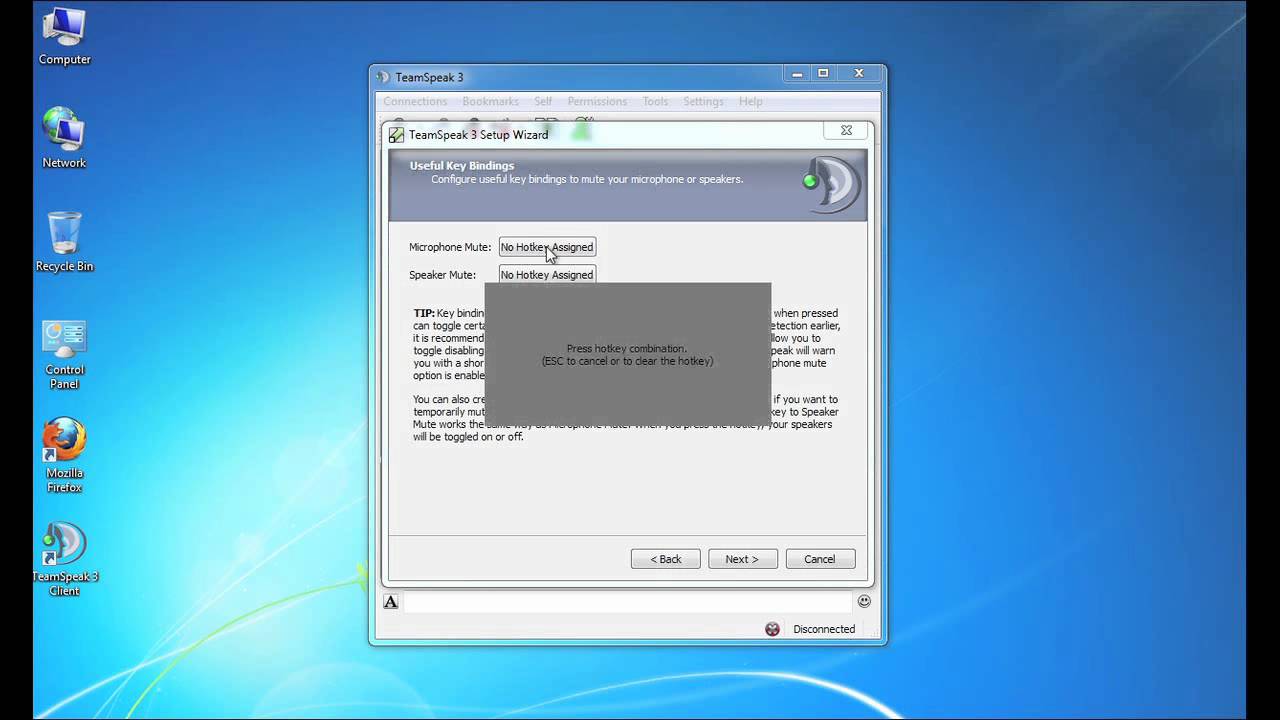
Go here to Get the TeamSpeak3 application - TeamSpeak [teamspeak.com]
( 3 ) ( Video ) 0:58 - Invite buddies via your smart phone on Teamspeak3 with a single link to directly log them in the current server your connected to -
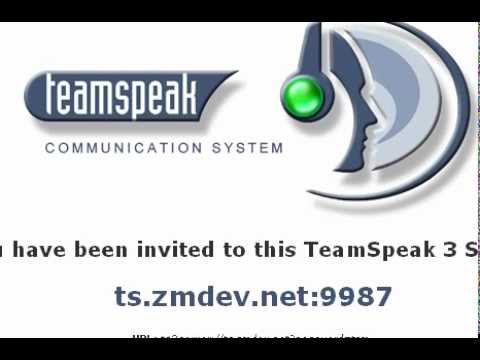
[youtube.com]
( video ) 4:42 - https://play.google.com/store/apps/details?id=com.teamspeak.ts3client&hl=en [play.google.com]
Available for iphone, android
Google play - https://play.google.com/store/apps/details?id=com.teamspeak.ts3client&hl=en [play.google.com]
Connecting to a specific TeamSpeak3 server can be done rather easialy utilizing many methods however the following is SPECIFIC to Battlefiled 4 & the game server associated with the TeamSpeak3.
*** NOTE * - Not all game servers have a TeamSpeak3 associated yet those whom do are noticeable as they are generally populated compared to that of servers which have no TeamSpeak3 application associated.**
Server Description Method -
Step # 1 - Screenshot - 96b6681c48be26272cfa651c51030aa7 - Gyazo [gyazo.com]
Step # 2 - Screenshot - ffdfc3250d749b960f17522a7e1a1bb9 - Gyazo [gyazo.com]
- NOTE * - In the following steps my TeamSpeak3 application will differ from yours as mine has been customized to suit me. You can customize your TeamSpeak3 application by simply going to the TeamSpeak3 web site provided here - http://addons.teamspeak.com/ [addons.teamspeak.com]
If you want it similar to mine, go to this link -http://sc-convoy.com/?p=54 [sc-convoy.com] Scroll down to TEAM SPEAK 3 & TEAMSPEAK CONVOY DARK THEME, select ( GRAB IT HERE ). If you prefer the Battlefield4 skin it can be found here - myTeamSpeak [addons.teamspeak.com]
Step # 3 - Start the TeamSpeak3 application via your desktop icon
Screenshot - 4e65b0bf5e99f218058928a038a28164 - Gyazo [gyazo.com]
Step # 4 - To get started, select Connections then Server List, the following will then appear - Screenshot - 818af8fe3b53e197d174fc32604029da - Gyazo [gyazo.com]
Step # 5 - Screenshot - 58457ba0994dba14eb4bcfdbd3b57f89 - Gyazo [gyazo.com]
Step # 6 - Screenshot - a68a9b1acd1a5386a801aaf80c6c2e86 - Gyazo [gyazo.com]
I will now show another method to connect to the TeamSpeak3 server we have selected. In the TeamSpeak3 application select the following Bookmarks / Manage Bookmarks / Add Bookmarks, view the next image to better well understand the connection information - Screenshot - a6bce050dd01cf7b8bca4f1c02feb31a - Gyazo [gyazo.com]
After the newly added Bookmark you simply click okay to connect. If it doesn’t connect simply go to the Bookmark Tab & select the newly added bookmark. Once connected you will then see the application has connected as shown - Screenshot - 0023c42d3f7e0279b3c4f9ed4e1ae9d6 - Gyazo [gyazo.com]
To disconnect go to the Connections Tab & select Disconnect From Current. To add additional servers one can simply get the connection information & use the same method repeatedly to store numerous Bookmarks of TeamSpeak3 servers.
By matching the game server via BATTLELOG & the TeamSpeak3 server via the TeamSpeak3 app you can now communicate in real-time, any-time, acround the World to friends & fellow gamers alike! Also you can learn more & have a much better gaming experience.
I myself have been using the application over 20 + years & I use it to communicate with people everywhere around the world & unlike the in-game VOIP which is horrible to say the least I stay connected to my fellow gamer’s & friends 24/7 for FREE.
A Head-Set & A Mic WILL make ALL the difference in the World!
*
GOOD LUCK & BEST WISHES*
GUNNY1966