Link to youtube vid I recorded. But basically I can’t move mouse left right up or down. Hadn’t played the game in a few months, went back to it, had to do an update as it had been a while, then wouldn’t work.
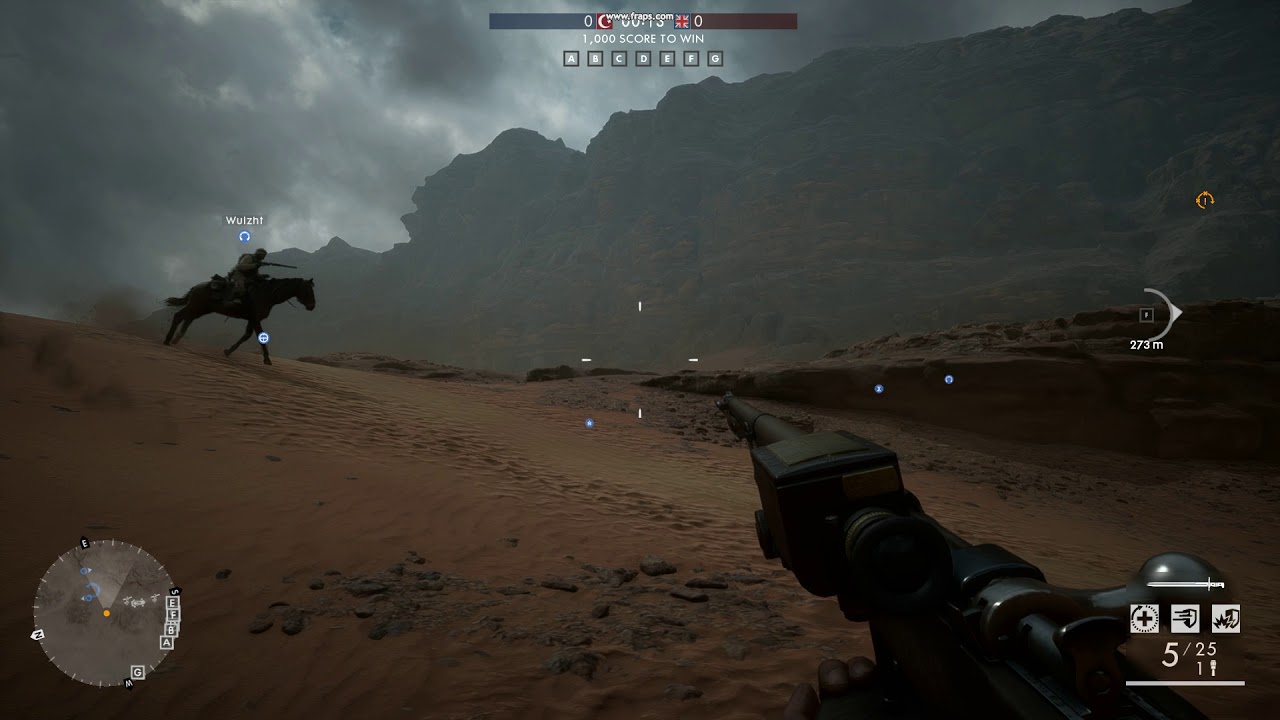
Link to youtube vid I recorded. But basically I can’t move mouse left right up or down. Hadn’t played the game in a few months, went back to it, had to do an update as it had been a while, then wouldn’t work.
Notice how I can move for a second or two before locking up.
Is it working normally in the settings or home menu? Try resetting the key bindings
Yes. My mouse works flawlessy in other games and general use, and yes works in the menu, it only locks up as soon as I spawn in BF1
Any joysticks pads or other touch devices?
No just mouse.
What mouse and what mouse software installed. If you press escape to bring up the menu the mouse works still?
Have you tried swapping it out with another mouse?
Corsair M65 pro driver version 2.18.81
Yes, the mouse works in the menu and online menu pages, it occurs as soon as I spawn, doesn’t matter what server it is. As you can see in the vid, I can move left right for a second or two before it locks up. I’m going to try a different mouse. Note my mouse works in all other apps and works fine in other games.
Ok so, I’ve updated the mouse driver, tried a different mouse and reset keybindings. No change, still locking up.
Is BF1 the only game - or only Battlefield - that the cursor is not working in?
Yup. I don’t play any other battlefield. The only other game I play is Tomb Raider which is totally fine. Having tried a different mouse it seems a fault with the game. I have Battlefront and Titanfall but they arent currently installed.
Well, then the last option is to reinstall the game.
But my stats etc are stored in the cloud right?
Correct
After spawning and pressing escape the mouse still works?
Is raw input turned on?
Yes I can catagorically confirm the mouse still works before and after I spawn into game and after pressing escape. I would have done a longer video to demonstrate all functions but I only have the basic version of Fraps.
I’ll have to check if Raw input is on. I do recall seeing it in menu but can’t remember its status. I didn’t know what it was.
For future video recordings: Use OBS studio 
It looks a bit like your mouse is still active in another application.
You could try running in windowed mode. See if your cursor moves freely on the Windows desktop and when the BF1 window is active.
You can switch between windowed mode and full-screen by pressing ALT + ENTER.
Might be an idea to close all other programs and then play BF1 and see if it still happens.
Might also be worth resetting your key binds to default just in case there’s a conflict.
Yea, it worked perfectly though since release until a few weeks ago. I’ll try a reinstall and then come back.
Ok, so a repair install didn’t work. I’ve got an idea though. I have a vpn running that is currently set to US stream (I’m in UK) see if turning it off works. Running out of ideas now.
Have had this issue on and off, or at least similar, can aim side to side but not up and down, usually corrects itself once i respawn tho.. When you did your reinstall, did you use the cloud settings or starting from scratch? might be an option that is interfering.