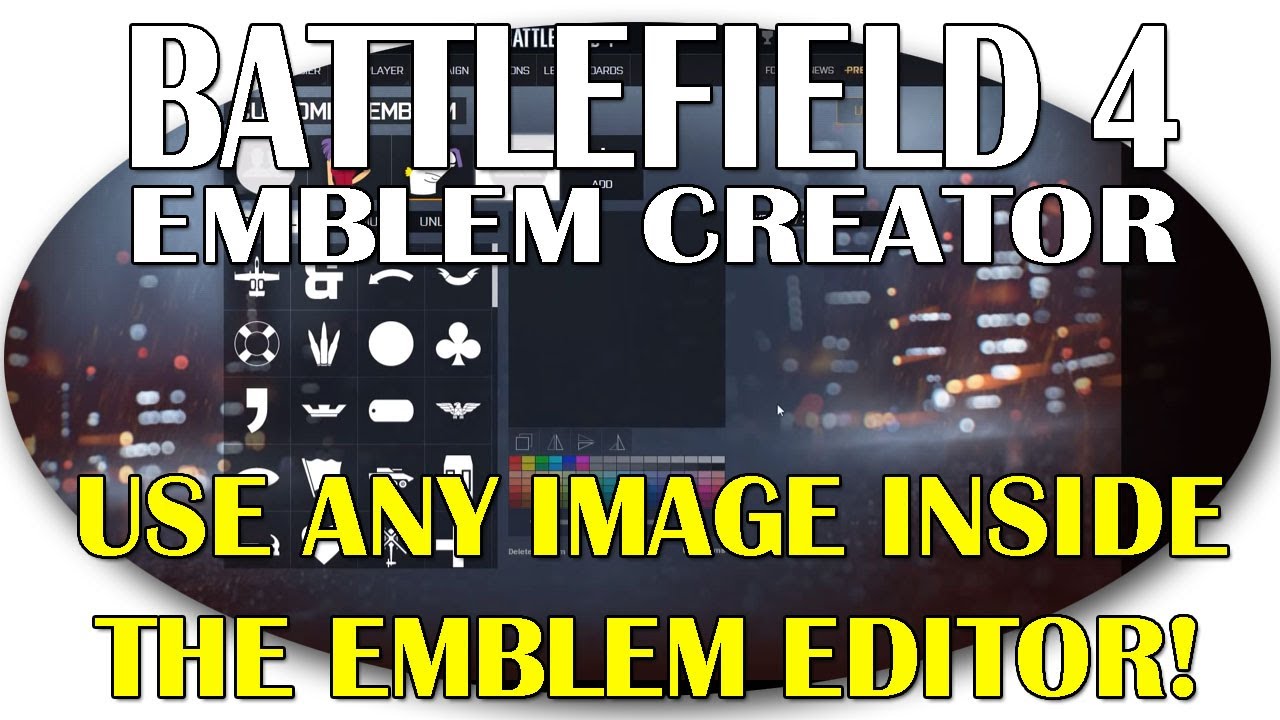
I tried it and it worked. But it only puts the image you chose in the background so you can see it while doing your emblem completely the usual way. Or can you actually chose the image as your emblem? That didn’t work for me.
It’s really to use for tracing. Importing images is not possible from what I understand.
Still gotta create the emblem by hand using the shapes.
That said, it’s really useful if you are trying to create something familiar instead of just eyeballing it.
I tried and it didn’t work. I selected an image from the net, saved as whatever.jpg and when I hit enter, Orr looks like our should work but no image appears. Any thoughts?
You have to use the URL from the net. Saving it locally doesn’t work.
Find an image from somewhere. Get the URL to it. (eg:
)
Then paste that in between the entry:
background-image: url(’
')
Don’t forget the url(’ ')
Great. Thank you. Does it matter how long the url is. The ones from Google images can get pretty long.
Nope, the one in the video is superlong. It can be any URL on the internet as long as it points directly to a jpg, png, gif, or any other valid image format.
It worked. Thank you. Now I’m have trouble sizing it. The orig is 479x360. Can I size it down a bit?
Actually, just set it to 320px x 320px like the video.
The size of the work area for emblems is 320x320, so you want to jam your image into that size.
That works too 
Misleading title. You cant use any image as your emblem.