Settings are saved to C:\Users*YourWindowsUsername*\Documents\Battlefield V Open Beta\ (unless you moved the default documents location)
If it’s not saving it most likely means BFV or Origin don’t have permissions to write to that folder. This can be due to you running non standard Windows permissions for the documents folder/files, BFV and Origin having too few permissions or a bug, third party application or broken installation blocking the settings from being saved. Illegal copies of Windows have also been known to cause this.
The first step should be:
Exiting Origin
Right clicking Origin and clicking run as administrator
Right click game
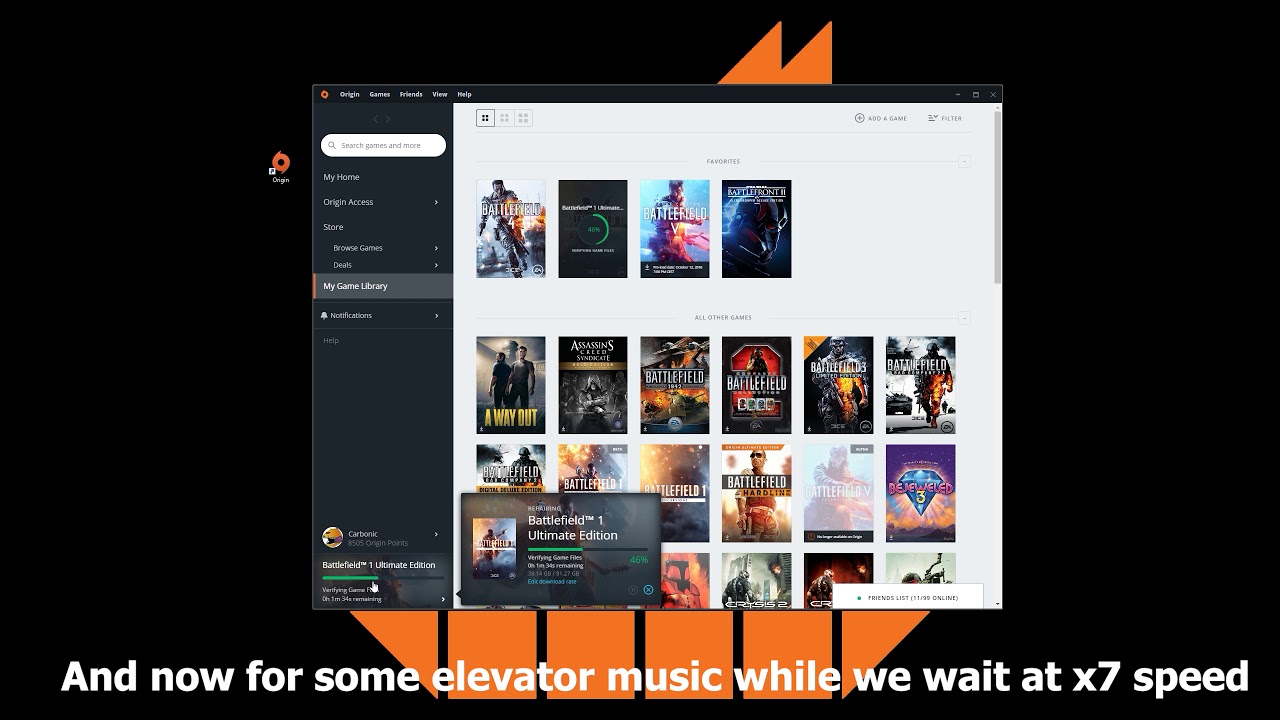
Click repair game If that doesn’t work make sure to manually whitelist both BFV and Origin in your antivirus, anti malware, firewalls etc.
I don’t know how to change the setting folder.
I switched off the OneDrive, but when I start the game, settings folder appeared in “C:\Users\sega9\OneDrive\Документы\Battlefield V Open Beta”
And BF1 setting lie there too and all work fine. “C:\Users\sega9\OneDrive\Документы\Battlefield 1”
Doesn’t change anything.
When i launch the game, change the settings and exit it, i check my “PROFSAV_profile” and the change i made are still here.
But when i launch it again, the settings are reset, like it doesn’t take the file into consideration and make a new one.
Already tried to switch the cloud save on/off, no success.
Why would there be a problem with BFV but not BF1, every settings are the same?
You need to DISABLE Controlled Folder Access in your security settings in Windows (Windows Defender Security Centre) else manually allow Battlefield/Origin as an exception, was messing me up but disabling fixed the issue - was getting notifications that Windows was blocking folder access therefore settings were not saving.
Controlled Folder Access (CFA) blocks everything by default so enabling this non standard Windows setting will block everything being written by games and applications to the documents folder.