Doesn’t RTX and DLSS get disabled on DX11?
I posted this in another thread, but you all may find it beneficial.
Responding to this megathread to throw my support behind an Official SLI fix.
If that cannot be done, please undo this change that has locked me out of making my own workaround.
Thx man this worked like a charm for me. I can run now my 1070 's back in sli 
I like the DLSS feature, it is just they need to give us 2080 ti owners an option for 1440p instead of 4k only, it causes too many framerate dips in a 64 player match
seems like the 2080ti cannot handle the dlss load in 1440p because of the high framerate
Just to let you know: If you encounter crashes during game launch with DX12 enabled (DLSS and DXR on maybe), start it up in windowed mode, go to options and disable DX12, exit and relaunch. Fixed it for me. Had issues since the latest Nvidia driver update.
I tried different graphic settings and its for sure DX12. Always crashes after an hour or so with DX12 enabled. No effect if RTX is turned on or not
Same Issue, all drivers up to date, game might start to screen then just crashes, or doesnt start at all. 2080RTX
reverting geforce drivers back to 418.81 solved this for me
so far this worked for me too… if you can’t stay in the game long enough to disable the DLSS, try this temp fix until there’s a patch and/or a new driver.
if you delete the settings folder as shown above Navigate to C:\Users<username>\Documents\Battlefield V\settings
then run it from the shortcut it will return it all to default settings all together
in answer to squizzys post thats how to get round not being able to get in to it at all to
Having the same issue with DLSS crash to desktop on menu loading screen. No error. i7 4770K, RTX 2080, 32GB DDR3.
Really disappointed because I was really hyped for DLSS support.
Latest Nvidia drivers crash the game. Noticed they rolled bag NG driver from 3.0 back to 2.14 some threads say issues with 3.0 but now crashing for me 2080 TI 4K DLSS and RTX on.
Got the 2080 Ti on a i7 9700 cpu PC. Can enable Direct x 12, and ray tracing, but still don’t have a choice for DLSS. I have a 1440p 144hz monitor. It makes zero sense that NVIDIA would make their top of the line card in such a way that it can’t be used for DLSS on 1440 p monitors. NVIDIA or DICE/EA need to do something about this.
Enabled both as well as dx12 and restarted the game. The game makes it to the loading screen before main menu and then crashes to desktop…
Why would you want to use dlss though? It provides a more blurry image than using basic upscaling, and worse performance to boot.
Try this:
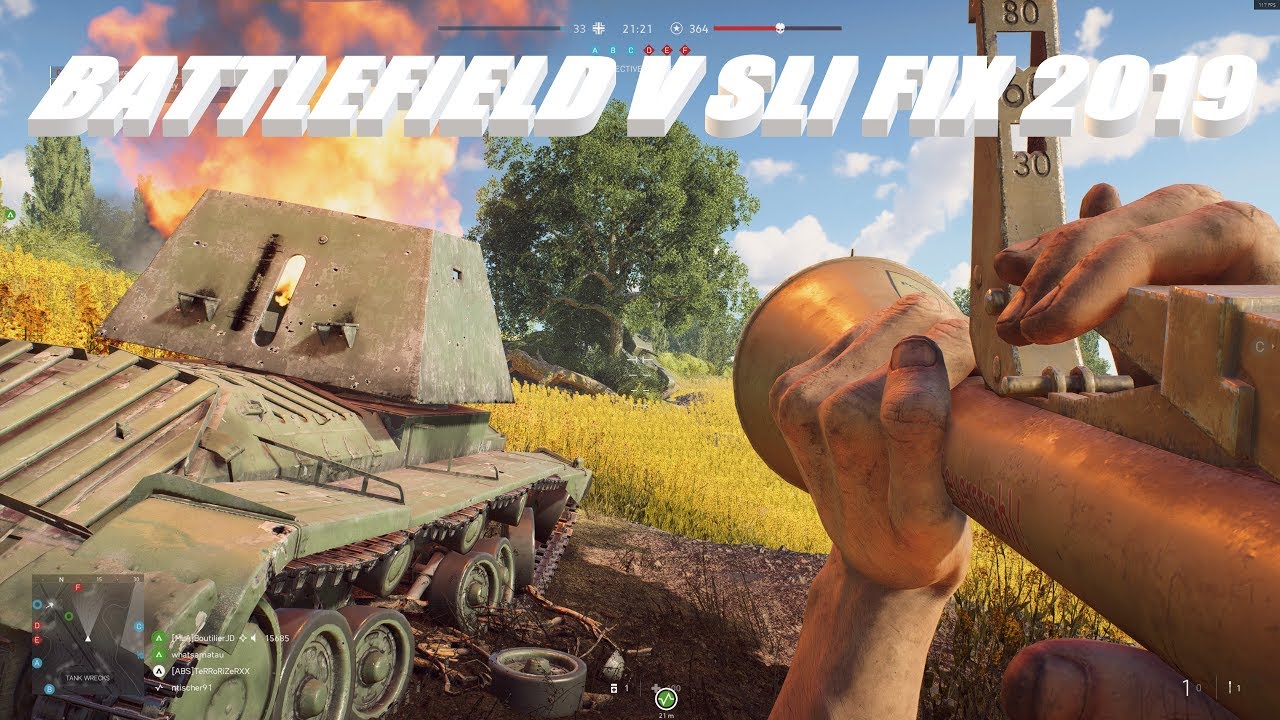
You could do that, but then you lose any game specific driver optimizations. A much better approach is to add the bf1 sli profile to the bf5 profile, as you then retain all the driver optimizations for bf5.
Last nite I enabled DXR and DLSS, started the game and kicked out to the desktop , happened a couple of times so I had to disable them both. Must be the latest driver.